Moscow

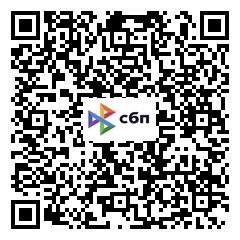
Payment

Dear user!

Now payment for promotion of your services on the portal has become more convenient and faster!

  1. To begin with, you need to agree on the terms, terms and cost of our services in rubles with your manager and request an invoice to your personal account on the portal.
  2. When an invoice appears in the personal account, it remains to click the Pay button.
  3. Go to the payment window.
  4. When switching to the payment system, you must choose the payment option available to you, fill in your data and confirm the payment made. Upon completion of the transaction, the bank may request confirmation from
  5. After completing the transaction and debiting funds from your account, you will see the message "Payment successfully completed", and you will be able to return to the personal account of our portal.
  6. The personal account of the portal will display information about all payments made.

When paying in foreign currency, the amount is converted at the current rate of the Central Bank of the Russian Federation.

Current details of the organization:

LLC "Partner" INN 6673183704, OGRN 1086673006914
CAT 667301001, OKPO 86193310

Name of the bank: LLC "Bank Tochka"
BIC: 044 525 104
p/s: 40702810202500128632
k/s: 30101810745374525104
Good luck!!

Contacts/Technical support: info@personalguide.ru

request